Passkeys are the default now: what to build before your login costs you sales
That is the workforce side. The consumer side moved first and moved quietly. Your customers have already been enrolling passkeys on Amazon, Google, PayPal and TikTok without anyone announcing it to them, and a growing share now expect the same thing from your login screen.
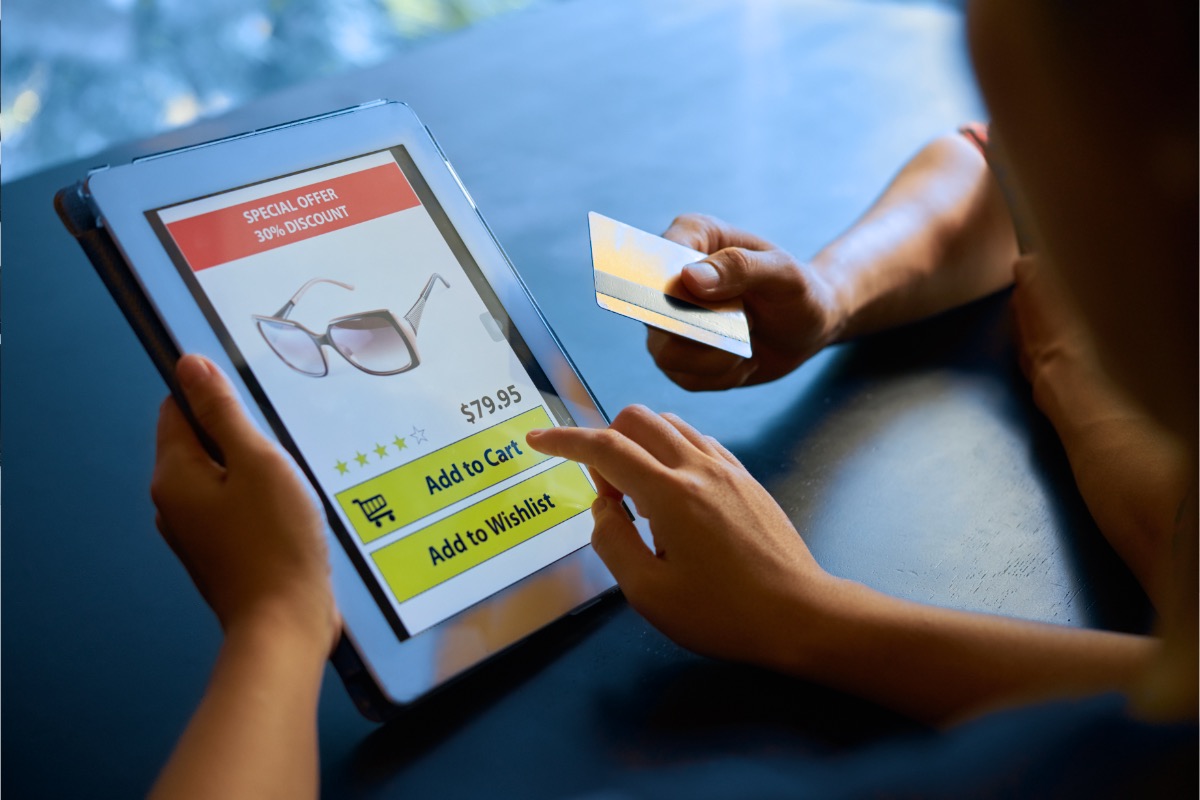
Most businesses are treating this as a security project. It is worth doing for security, but that framing buries the number that actually matters: people abandon things they cannot log into.
The figures worth knowing
Nearly half of consumers abandon a purchase or sign-in over a forgotten password.
The FIDO Alliance World Passkey Day 2026 research puts it at 47%. That is a conversion problem wearing a security costume.Passkey sign-ins succeed 93% of the time, against 63% for everything else.
The FIDO Passkey Index, built from deployment data at nine member companies including Amazon, Google, Microsoft, PayPal and TikTok, also found sign-in time fell 73% to an average of 8.5 seconds.Login support tickets dropped 81%.
Same source. If your team fields password reset requests, that is a line item with a number attached to it.Awareness is no longer the barrier.
90% of people know what passkeys are, 75% have enabled one somewhere, and 49% use them regularly when offered. The FIDO Alliance estimates 5 billion passkeys now in use.Credentials remain the thread running through breaches.
The Verizon 2026 DBIR found vulnerability exploitation overtook stolen credentials as the top initial access vector, at 31% against 13%. Counted at any point in the breach chain rather than only the first step, credential abuse is still involved in 39%.
That last figure deserves the honest reading. Credential abuse as a way in has genuinely declined, partly through better defences and partly through a change in how Verizon categorises pretexting. Passkeys are not the only reason, and anyone selling them as the end of breaches is overselling. What they do reliably is remove a specific, well-understood class of attack: phishing a reusable secret out of a person.
1. Decide which problem you are actually solving
Passkeys serve two distinct goals, and the build looks different depending on which one you lead with.If the goal is conversion, you focus on the returning customer and the checkout, measure sign-in completion, and accept that many users will keep a password as backup for a long time. If the goal is security posture, you focus on admin and staff accounts, aim to eliminate the password entirely for those roles, and accept some internal friction to get there.
Teams that skip this decision build a login that does both jobs badly. Pick one, ship it, then do the other.
2. Add the passkey before you remove the password
The temptation on a greenfield build is to go passwordless from day one. Resist it for consumer products. A passkey lives on a device, in a password manager, or in a platform keychain, and a meaningful share of your users are on shared computers, work-managed machines, or older devices where that story gets complicated.Run them in parallel. Offer the passkey, keep the password working, and let the usage data tell you when removal is safe. For internal and administrative accounts the calculation reverses, because the population is known and supportable, which is exactly why Microsoft is enforcing there first.
3. Design account recovery before you write the registration flow
This is the part teams get wrong, and it is the part that matters most.A passkey is bound to something the user has. When they lose it, your recovery flow is the only way back in, which means your recovery flow is now the weakest point in the whole system. Building a beautiful passkey registration and then falling back to an emailed magic link with no other checks reintroduces exactly the phishable secret you removed.
Decide in advance what recovery looks like, what evidence it requires, and what an attacker would have to compromise to run it. Write that down before anyone opens an editor.
4. Prompt at the moment of proven intent
Asking someone to create a passkey during initial signup adds a step to the flow with the highest drop-off on your site, in exchange for a benefit they have not experienced yet.Prompt after a successful password login instead, ideally after a completed purchase or a second visit. The user has already proven the account is theirs, they are in a good mood, and the pitch writes itself: next time, skip all of this. Make the prompt dismissible and do not ask again immediately.
5. Handle the shared and cross-platform reality
Your customer registers a passkey on an iPhone, then tries to sign in on a work Windows laptop. Your customer uses a family tablet. Your customer changes from Android to iOS.Each of these has a solution, from cross-device authentication via QR code to syncing through a password manager, but none of them is automatic and all of them need testing on real hardware. Allow multiple passkeys per account. Show the user which devices are registered and let them remove one. An account with exactly one passkey and no visible way to add a second is an account waiting to become a support ticket.
6. Instrument the flow or you will not know whether it worked
Track registration rate by prompt location, sign-in success rate split by method, time from landing on the login screen to authenticated, and recovery flow volume before and after.The FIDO figures give you a benchmark to argue against rather than a guarantee to expect. If your passkey sign-in success is not comfortably above your password success rate after a few months, something in the implementation is wrong, and the data is how you find out instead of guessing.
7. Look at the checkout before the marketing site
If you sell online, the highest-value place a login sits is between a full basket and a completed order. That is where a forgotten password costs you the order rather than a page view.Baymard Institute's research on cart abandonment finds 18% of abandoners cite a required account creation. Passkeys do not fix a checkout that demands an account when it does not need one, and guest checkout remains the more important fix. What passkeys do fix is the returning customer who has an account, cannot remember the password, and will not wait for a reset email while their coffee gets cold.
8. Map your workforce deadline now if you run Microsoft identity
The February 2027 date is closer than it reads. Between now and then, audit which staff accounts have SMS or voice as their only second factor, register passkeys for them, and confirm what happens to any service account or integration that depends on the current flow.There is a third-party telephony route for organisations that genuinely cannot move, but it is a workaround with its own procurement and cost. Treat it as the exception rather than the plan.
The part that does not make a good headline
Passkeys are a genuine improvement, and the industry framing around them still oversells what changes. Removing a phishable shared secret is real progress against a category of attack that has worked for thirty years. It does not remove session hijacking, it does not remove malware on the device, and it does not remove the social engineering call to your support desk asking for a reset.
What it does is move the weak point. Before, the weak point was distributed across every customer's memory and every reused password. Afterwards, it concentrates in your recovery flow, which is under your control and which you can actually design, monitor and harden. That is a better position to be in, and it is a different claim from being secure.
There is a commercial argument too, and it is the one that usually gets the budget approved. A returning customer who signs in with a fingerprint in under ten seconds buys more often than one who stares at a password field trying to remember whether this is the site with the capital letter. The security team will present this as a risk reduction. The finance conversation goes better when it is presented as a checkout improvement that happens to reduce risk.
Both are true. Lead with whichever one gets the work scheduled.
Three checks worth running this week
Try to recover your own account.
Log out, click forgotten password, and go through the whole flow as a stranger would. Time it. Note every place an attacker with access to one email inbox could complete the same steps.Count your login support tickets from last month.
Password resets, locked accounts, failed two-factor. That number multiplied by your cost per ticket is the least contested part of the business case.Check whether your staff accounts are exposed to the February deadline.
In Entra ID, look at which users have SMS or voice as their only registered method. Ten minutes now beats a blocked login later.
None of these requires a decision or a budget. They produce the three numbers you would need to make one.